 GAME DAY
Add the M3U playlist or Xtream Codes account you already have, or your own Plex, Jellyfin or Emby server. Playra gives it a full TV guide, a clean library, live scores for your teams and a player built for comfort.
Playra is a player only. It does not include any channels, movies or shows: you bring your own playlist, provider account or media server.
GAME DAY
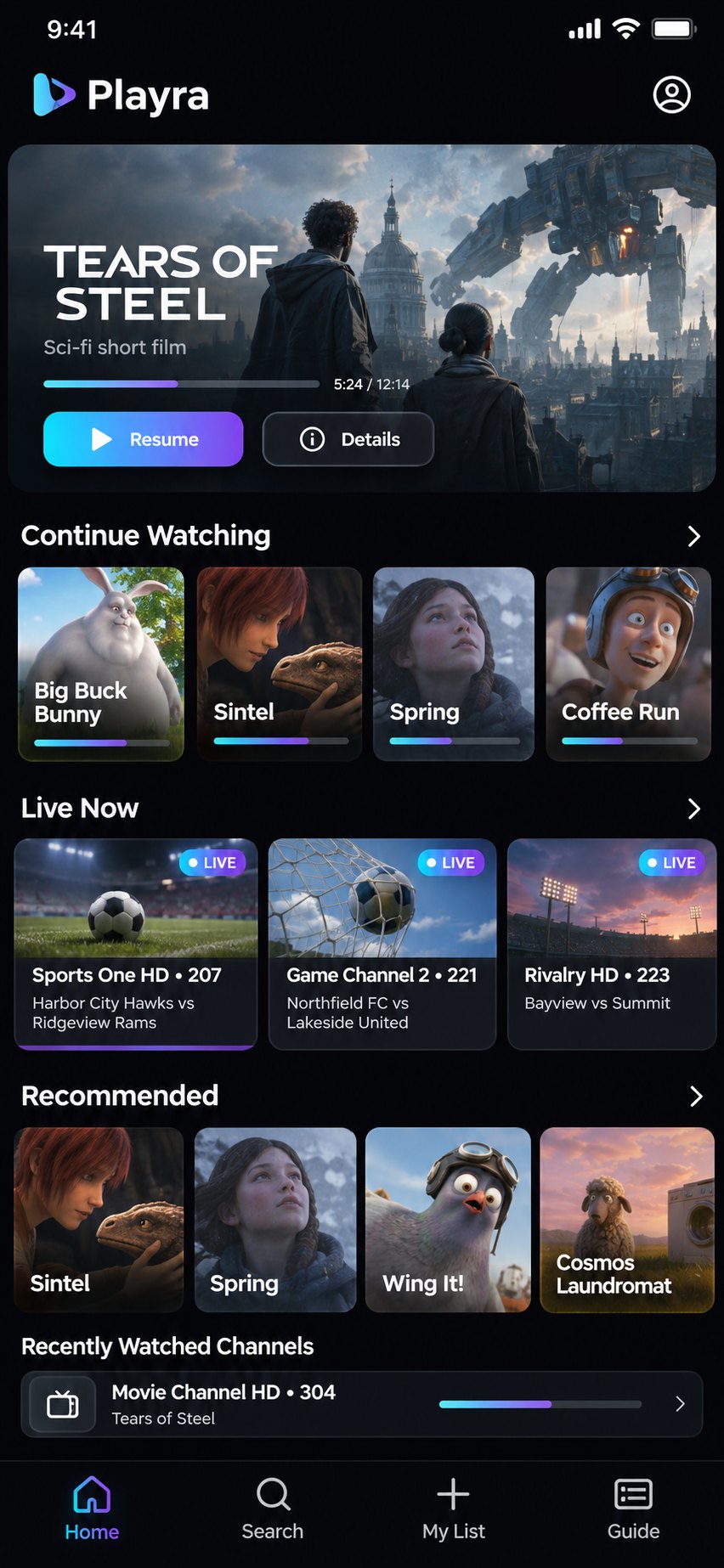
Playra takes a plain list of streams and makes it feel like the TV you grew up with, only faster.
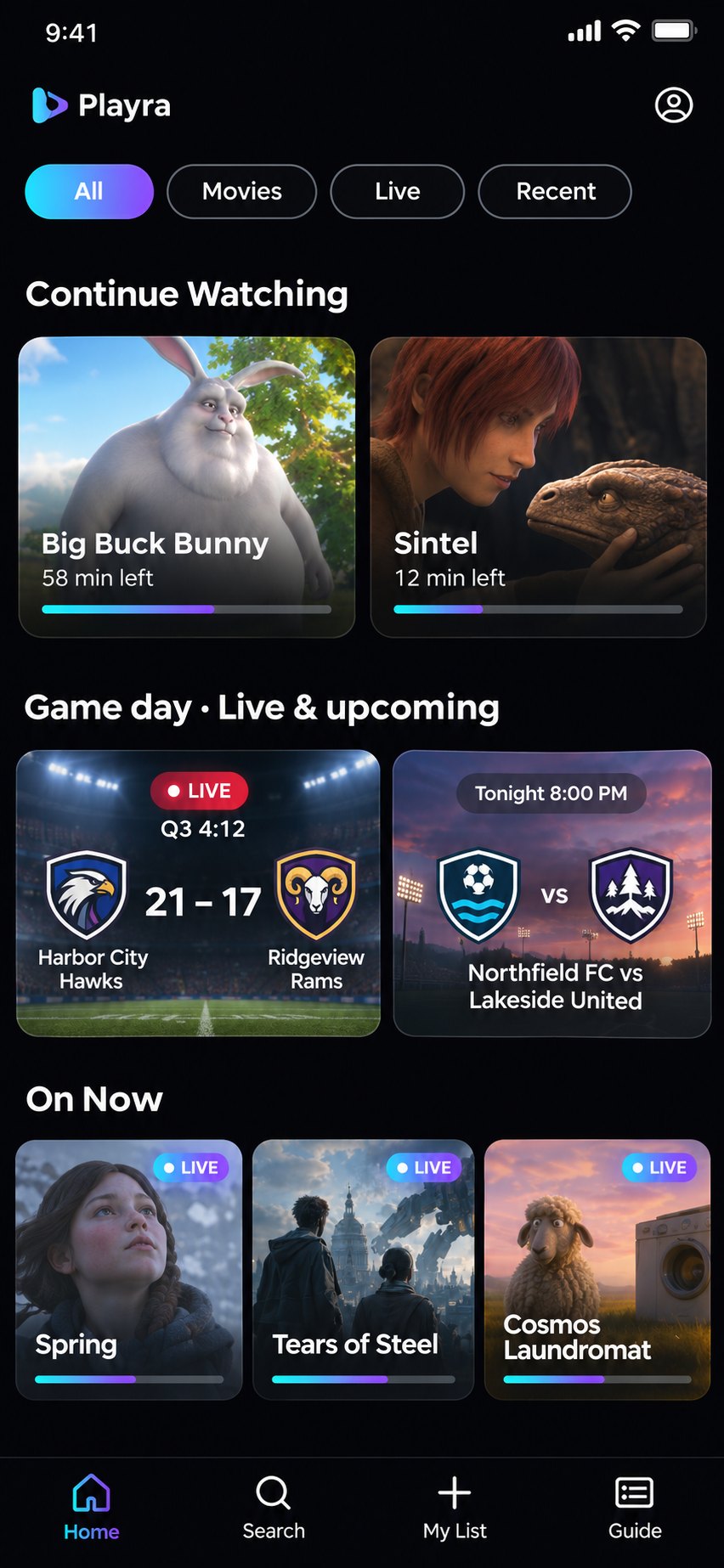
Follow your teams: schedules, live scores and which of your own channels has the game, right on the Home screen.
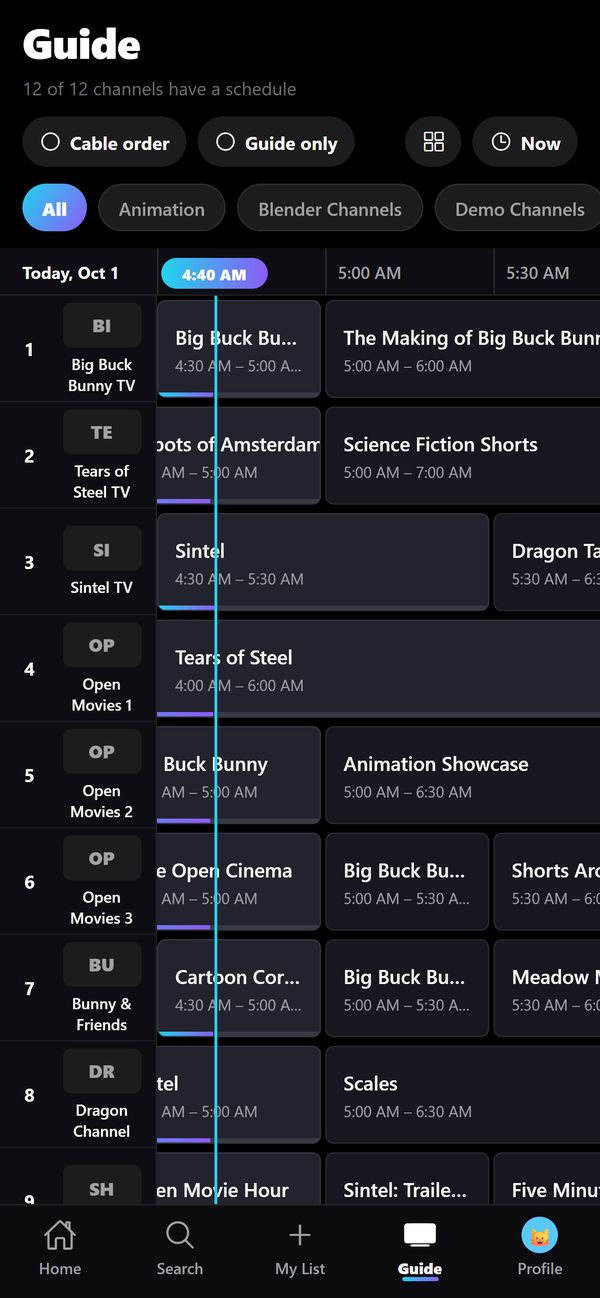
See what's on now and next across all your channels, on a timeline you can scroll through.
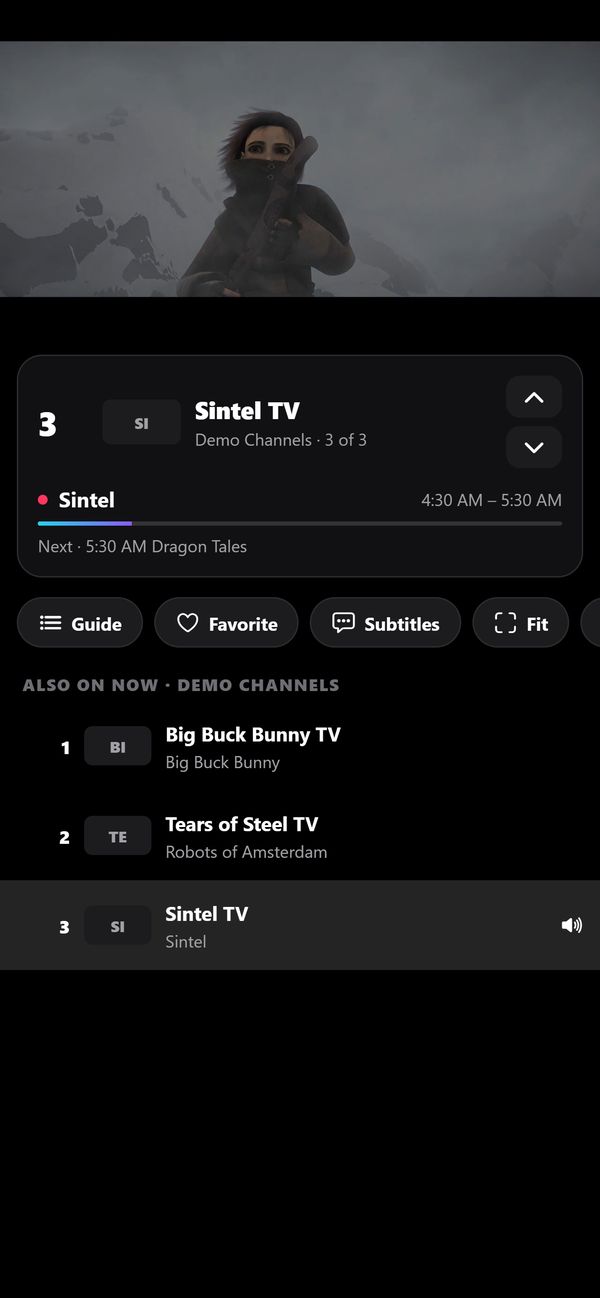
Cable-style numbering, a number pad and channel up and down, so favourites are where you expect.
Several copies of one channel become a single entry, and Playra switches copy by itself if a stream fails.
Posters, tidy categories, continue watching, next-episode countdowns and new-episode badges for your library.
Plex, Jellyfin and Emby: the movies and shows on your server, with posters, cast, seasons and episodes. Playra picks up where another device left off.
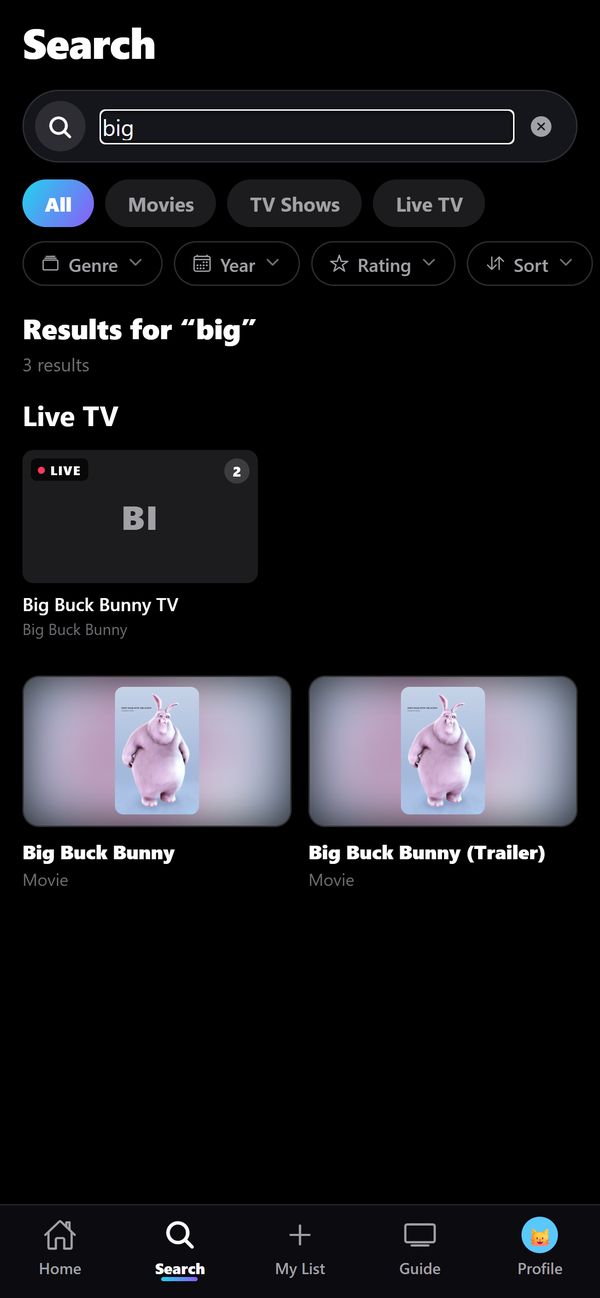
Find a title or channel in seconds, and narrow by genre, year and rating.
Kids settings and a PIN for what should stay hidden. With Premium, separate favourites and history for everyone at home.
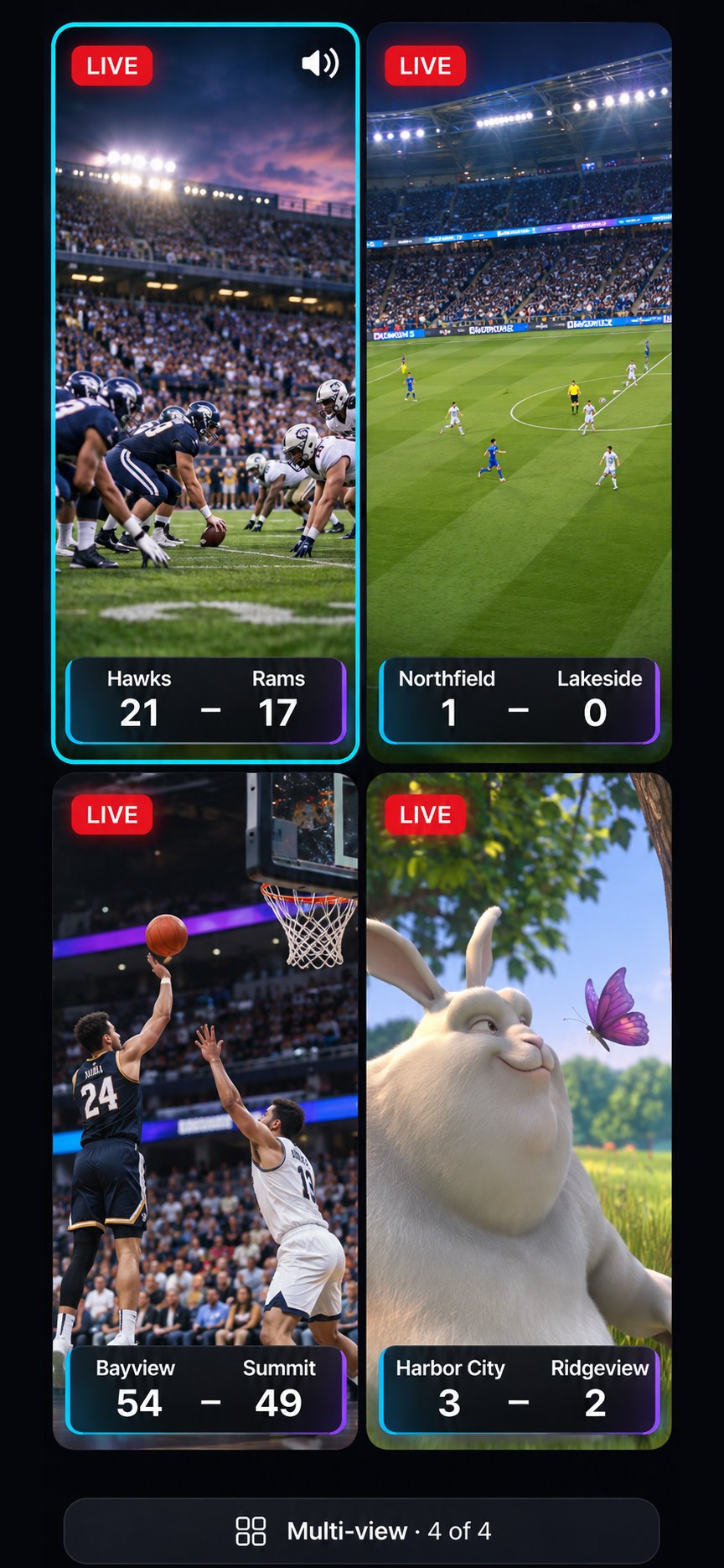
Watch two or four channels at once. Four games, one screen.
Start a show over or go back in live TV on channels your provider supports.
Keep watching in a corner of the screen while you use other apps, with AirPlay and lock screen controls too.
Get a nudge before the game or the show starts, straight from the guide.
Move your sources, profiles and favourites to a new device in one step.
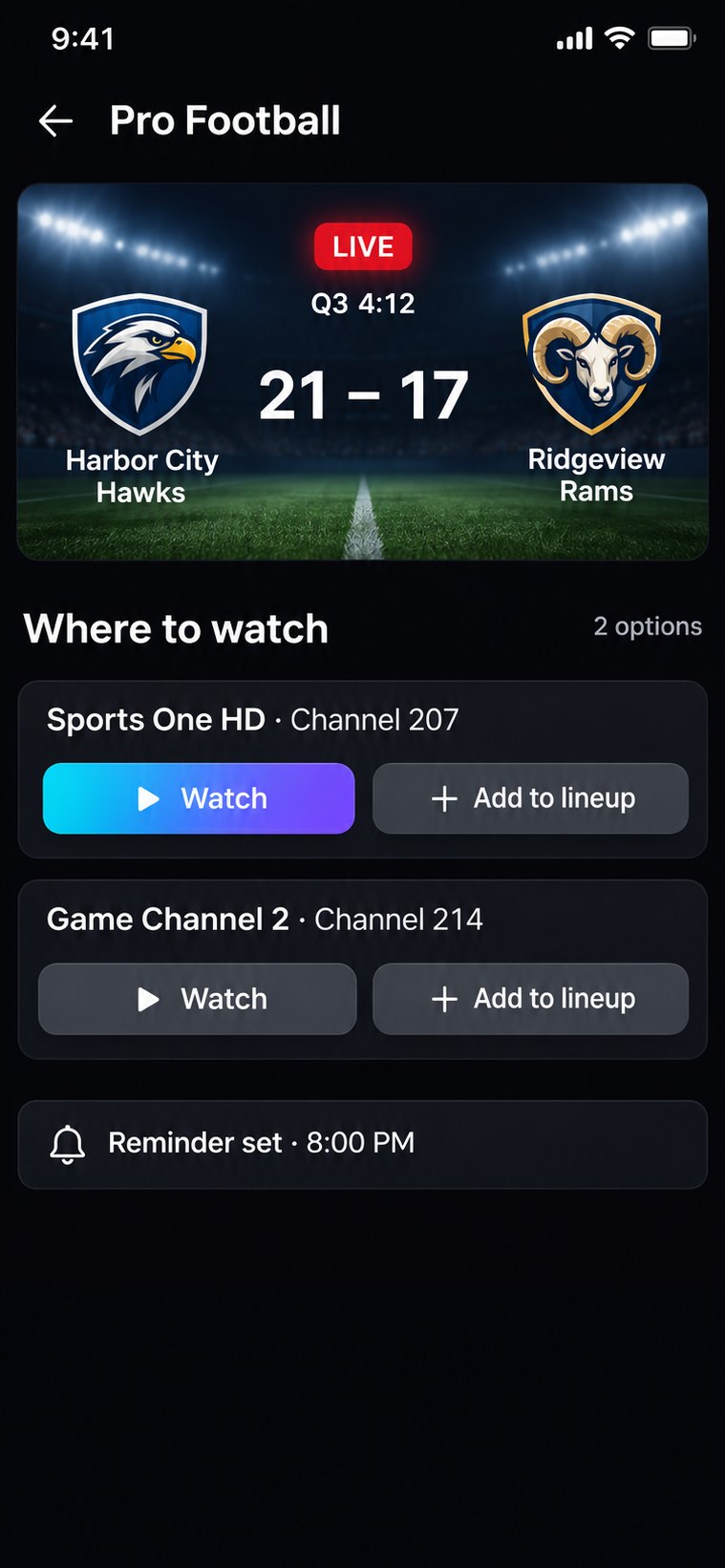
Playra knows when your team plays. Scores and schedules land on Home, and one tap takes you to the channel in your playlist that has the game.
Game day is part of Playra Premium. Team names, schedules and scores shown here are examples. Games play from the channels in your own playlist or account; Playra does not include any channels.
Every game page shows the live score and which of your own channels has it. One tap and you're watching; another sets a reminder for the next one.
Scroll through the day, jump back to now, and filter by category. Tap any show for details or to start watching.
Everything is one tap away without covering the picture, and changing channel never means leaving the player.
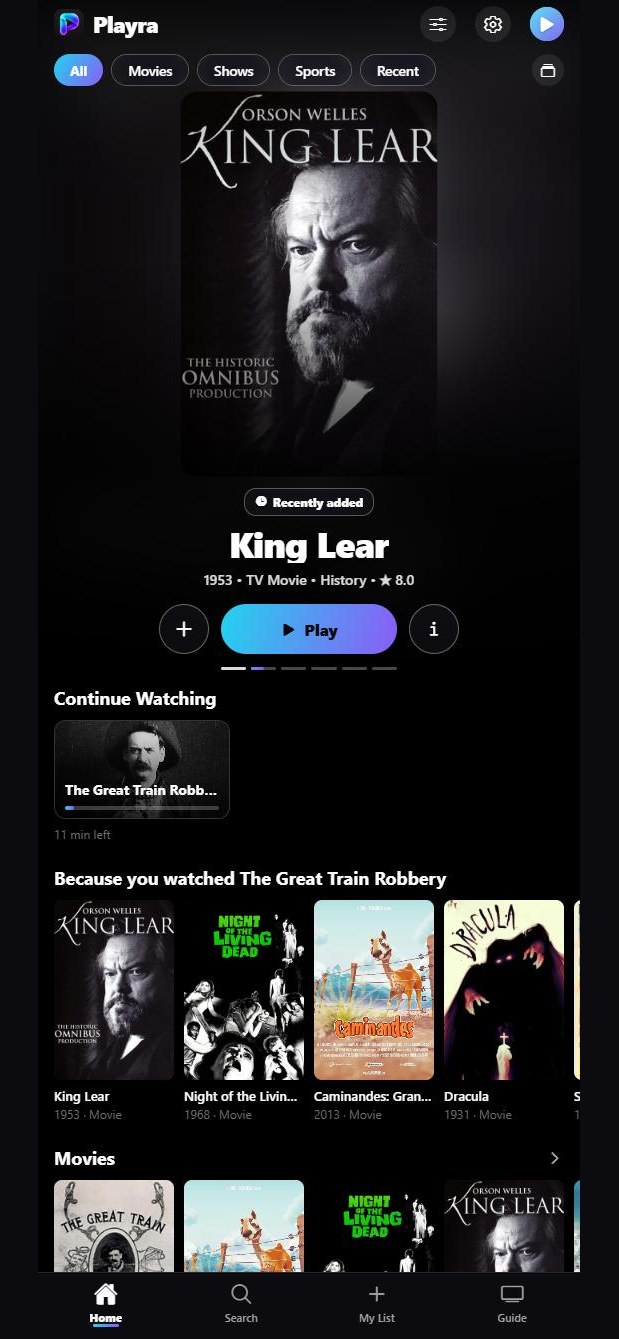
Add the server you already run and its movies and shows join your live TV, with posters, plots, cast, seasons and episodes. What you watch is remembered on the server, so you can carry on from any other device.
Put two or four channels side by side and pick which one you hear. The games you follow on game day fill the tiles for you.
No. Playra is a player. It shows what is in the playlist or account you add from a provider you choose, and it cannot supply or recommend one.
No. Playra is a player only. We don't sell playlists, channels or IPTV subscriptions, and there are no official or partner Playra providers. The only thing we sell is Playra Premium, inside the app. The only official places for Playra are playra.us and its App Store listing, so anyone else selling a "Playra subscription" isn't connected with us.
An M3U playlist link or an Xtream Codes sign-in (server address, user name and password) from your provider, or a Plex, Jellyfin or Emby server you run yourself. A TV guide in XMLTV format is optional.
Yes. Add it under Accounts & Playlists → Media server. Plex opens its own sign-in; Jellyfin can also sign in with a short code, so nothing is typed on a TV; Emby takes your user name and password. Your movies and shows appear with posters and episodes, what you watch is remembered on the server, and if the server's address changes when you're away from home, Playra finds it again on its own. Step by step: the media server guide.
Pick your teams and Playra shows their schedule and live scores on Home. For each game it looks through the channels in your own playlist for the one carrying it, so you can jump straight there. Game day is part of Premium.
Yes. Our demo playlist of openly licensed films works in the app, with a sample TV guide.
Playra has no accounts and shows no ads. Your sources, profiles and what you watch stay on your device. Anonymous usage counts help improve the app and can be switched off in Settings. The details are in the Privacy Policy.
In your App Store account under Subscriptions. The Lifetime option is a single purchase with nothing to cancel.
iPhone and iPad to start with. More platforms are planned.

Playra is on the App Store for iPhone and iPad.